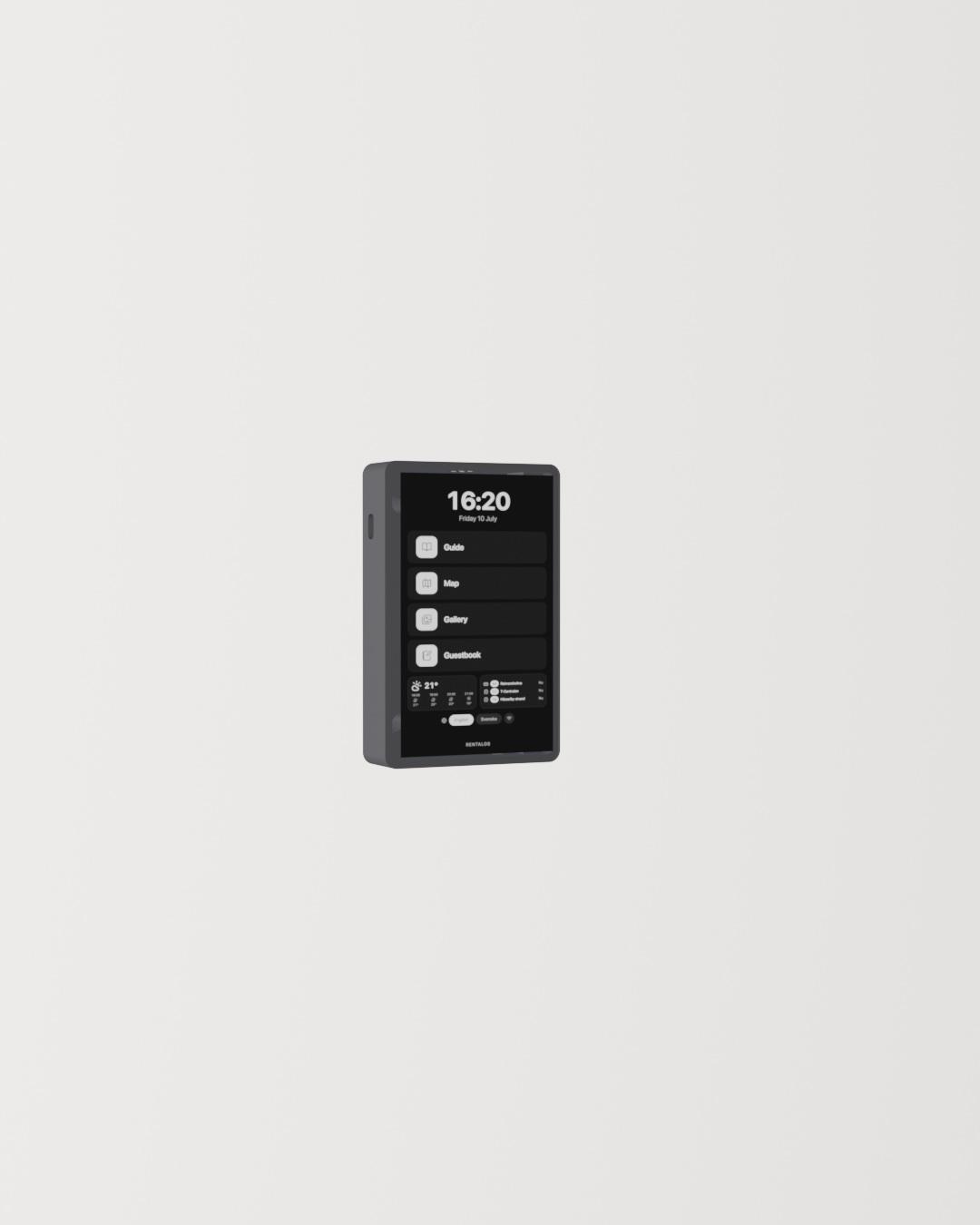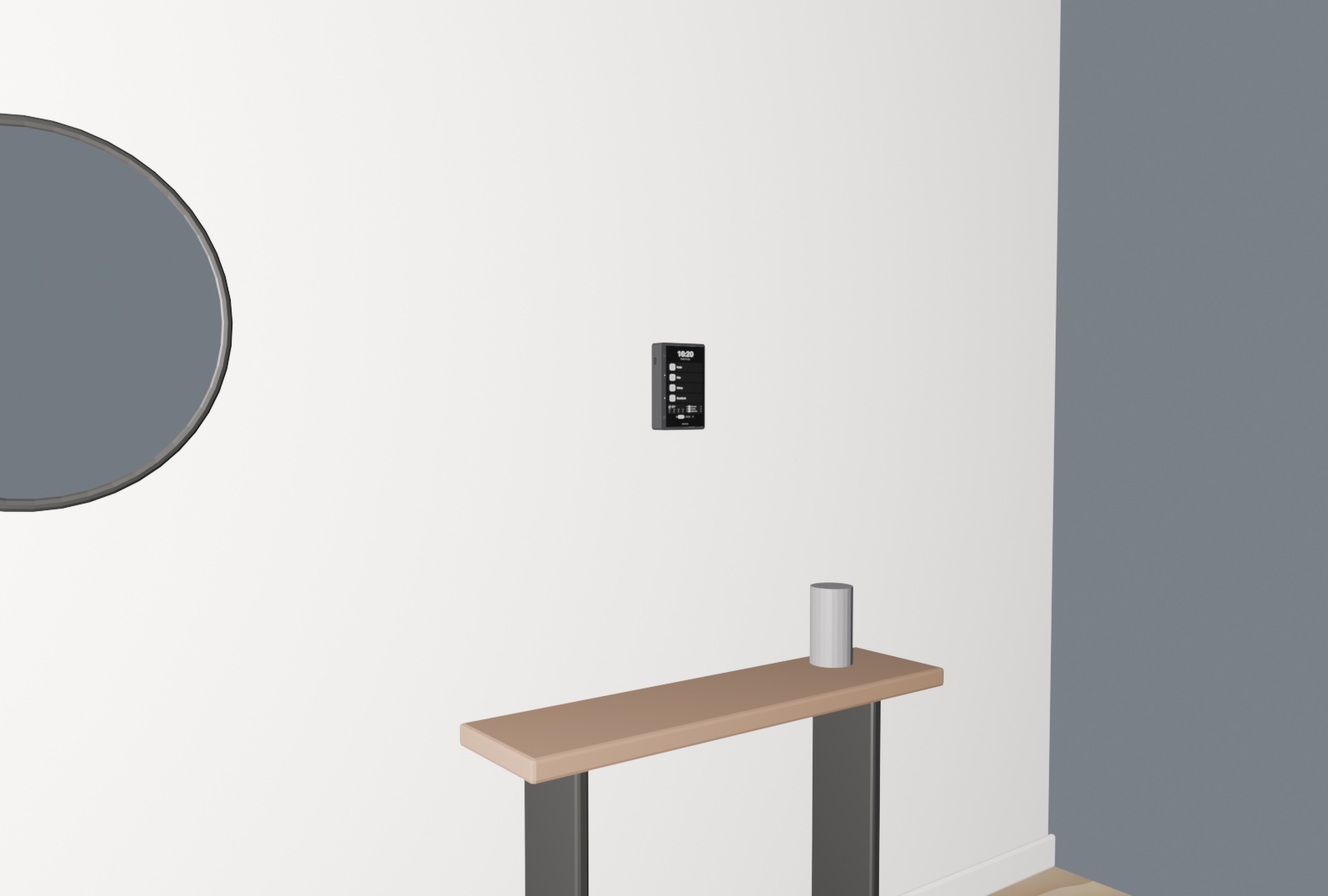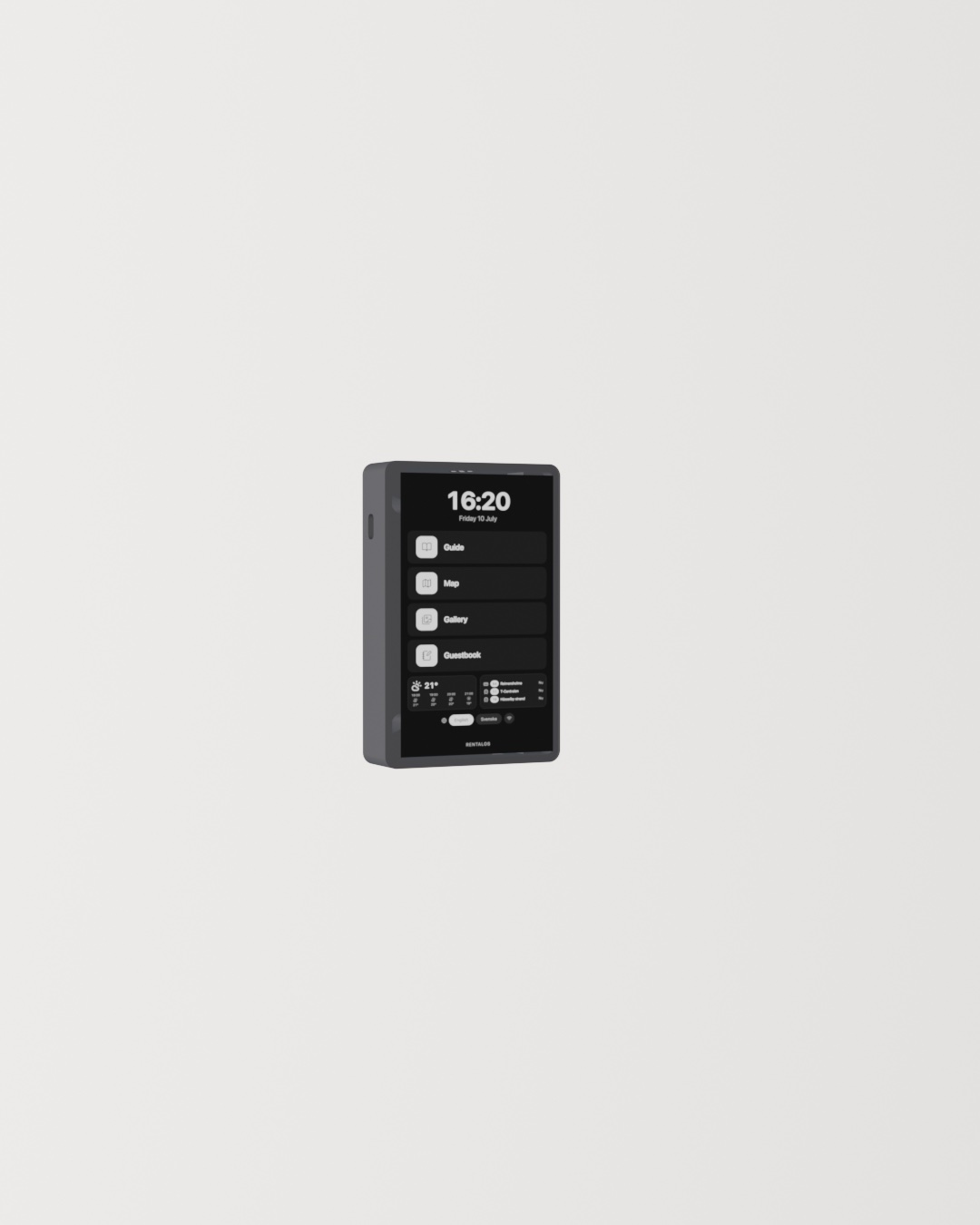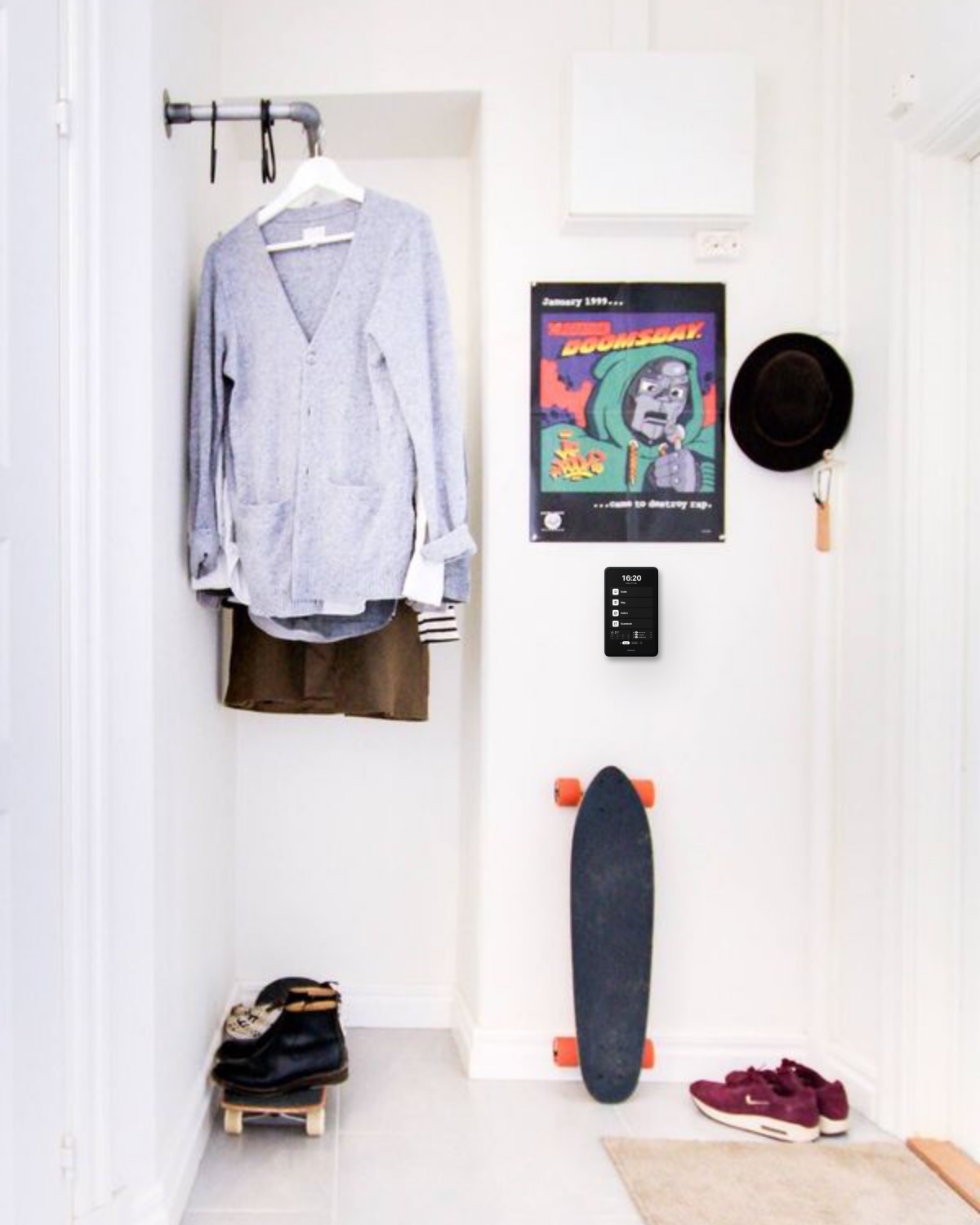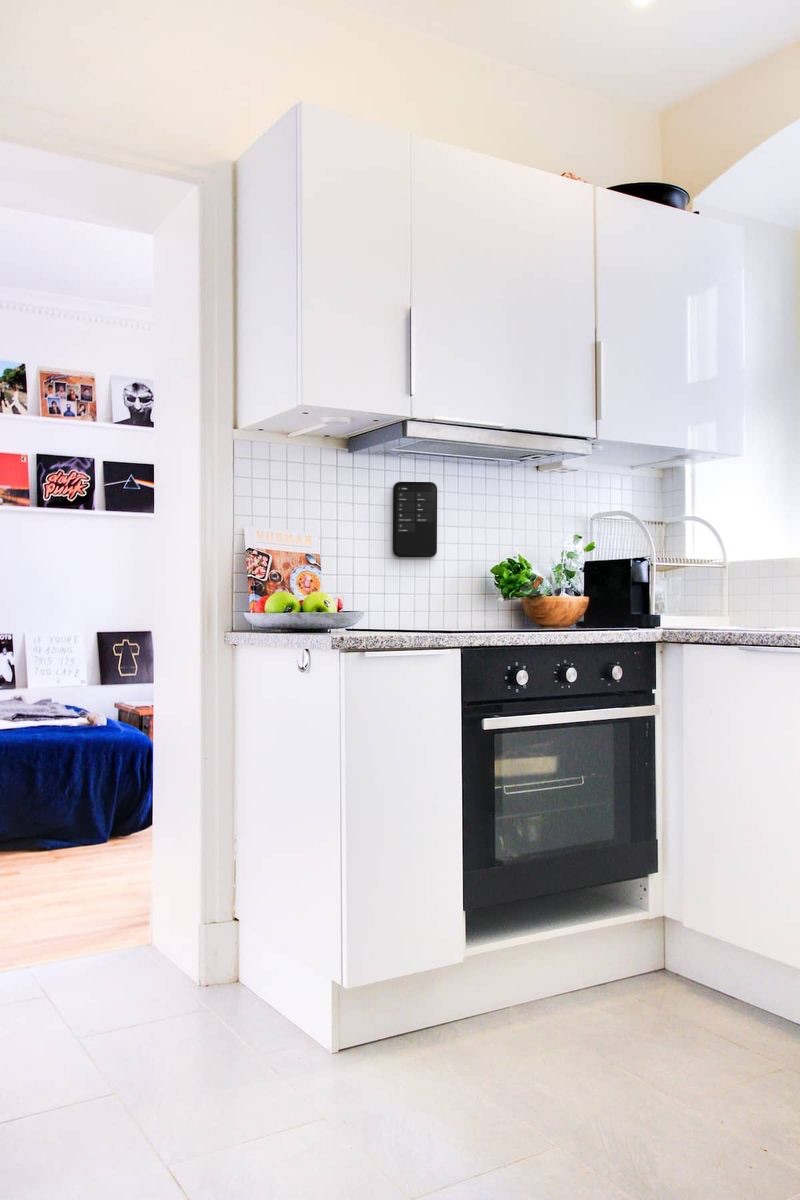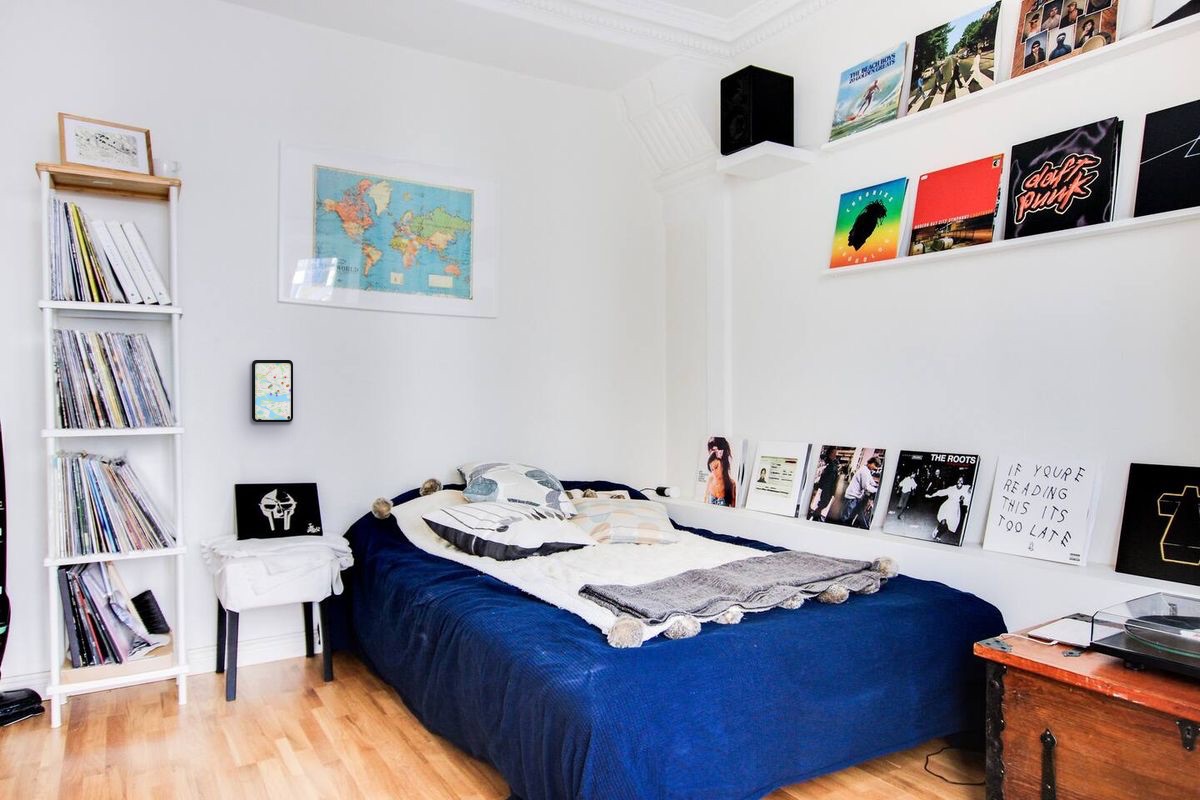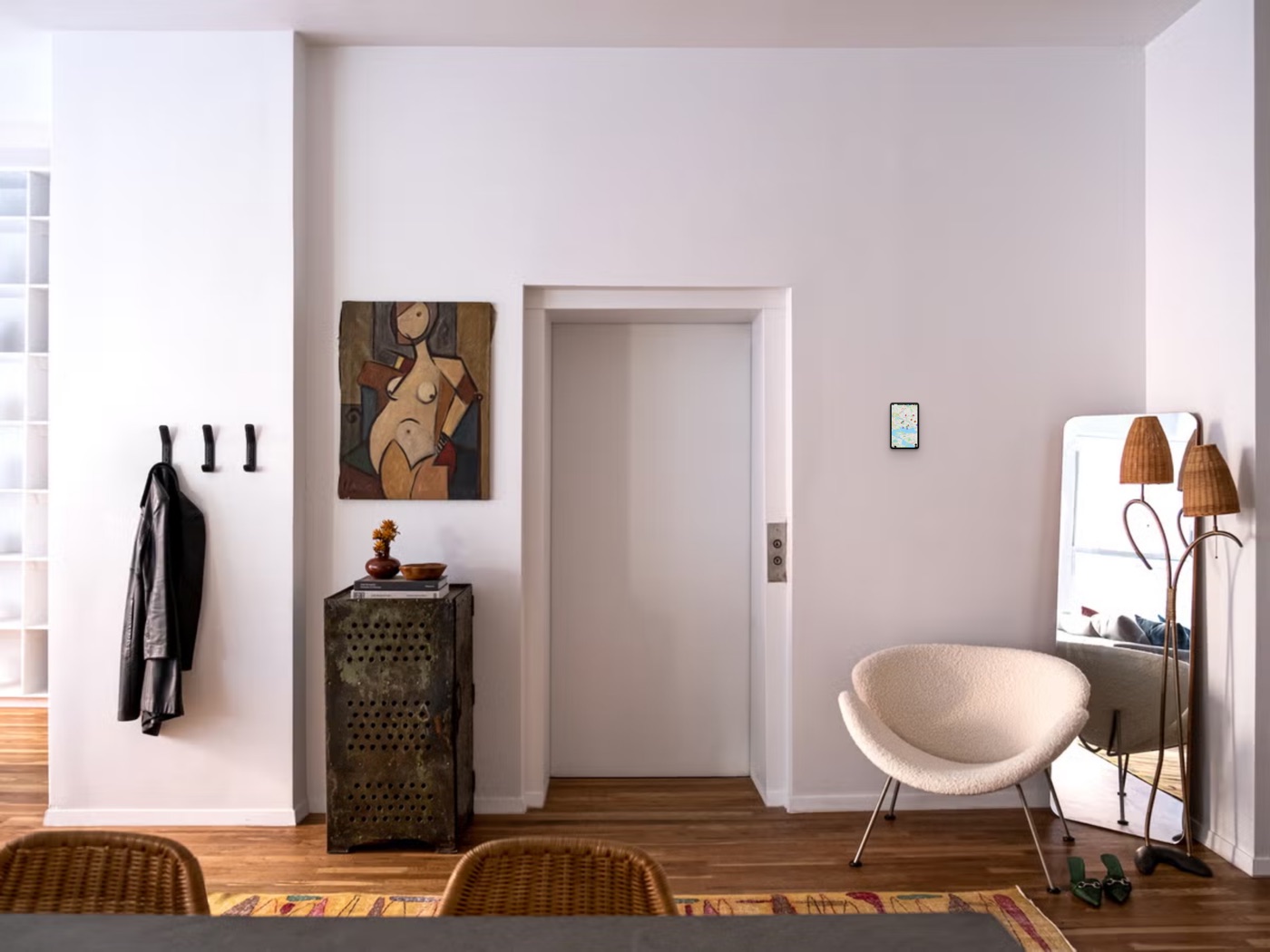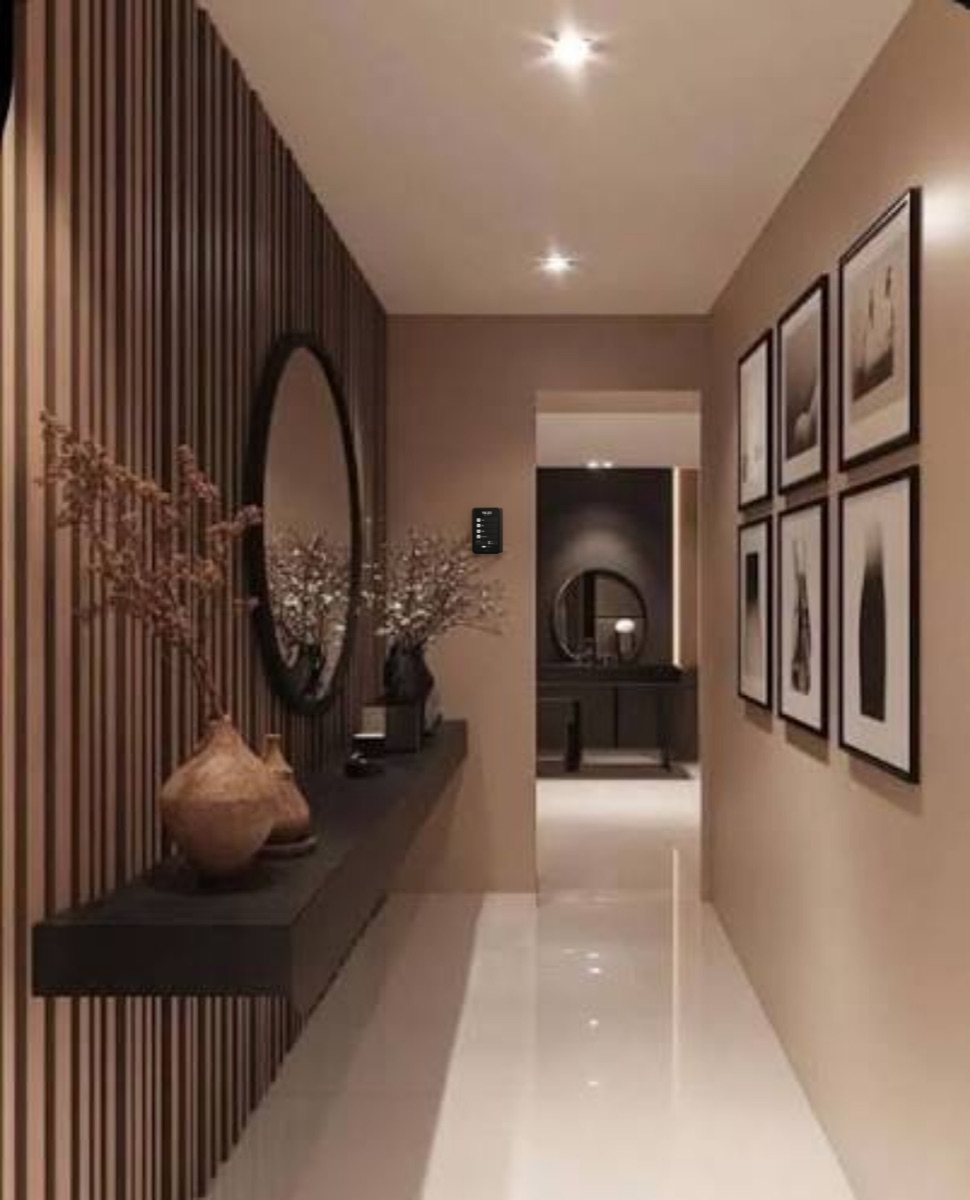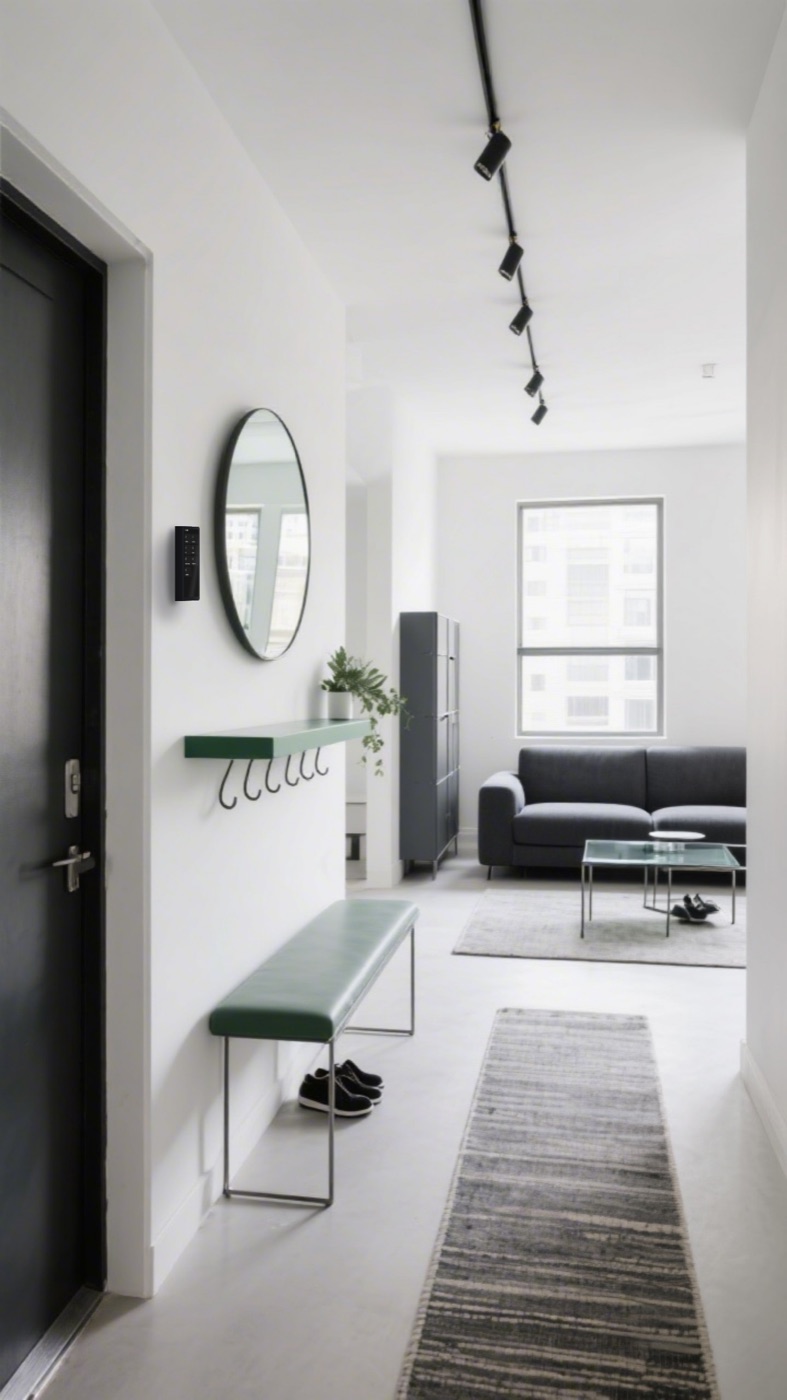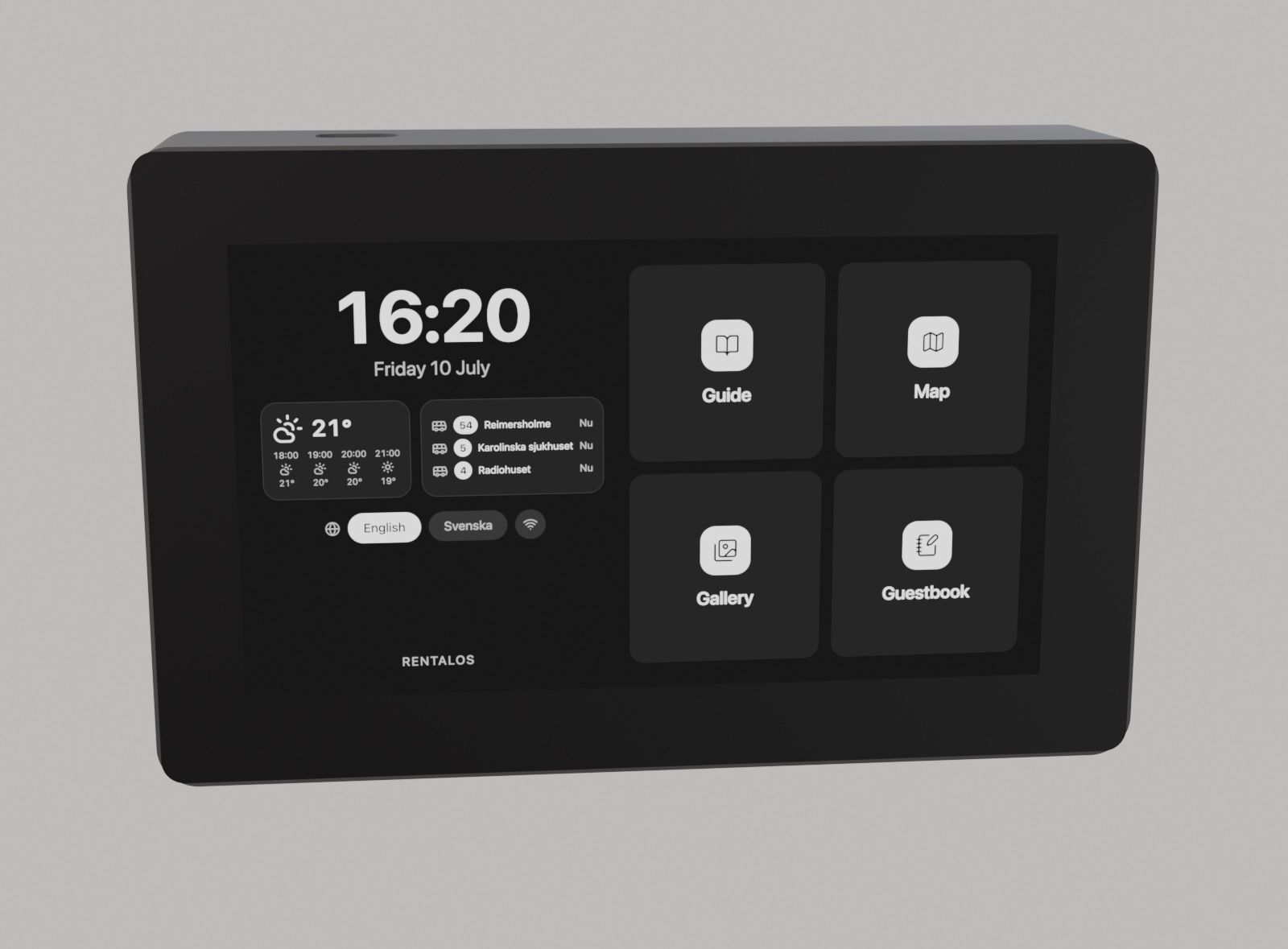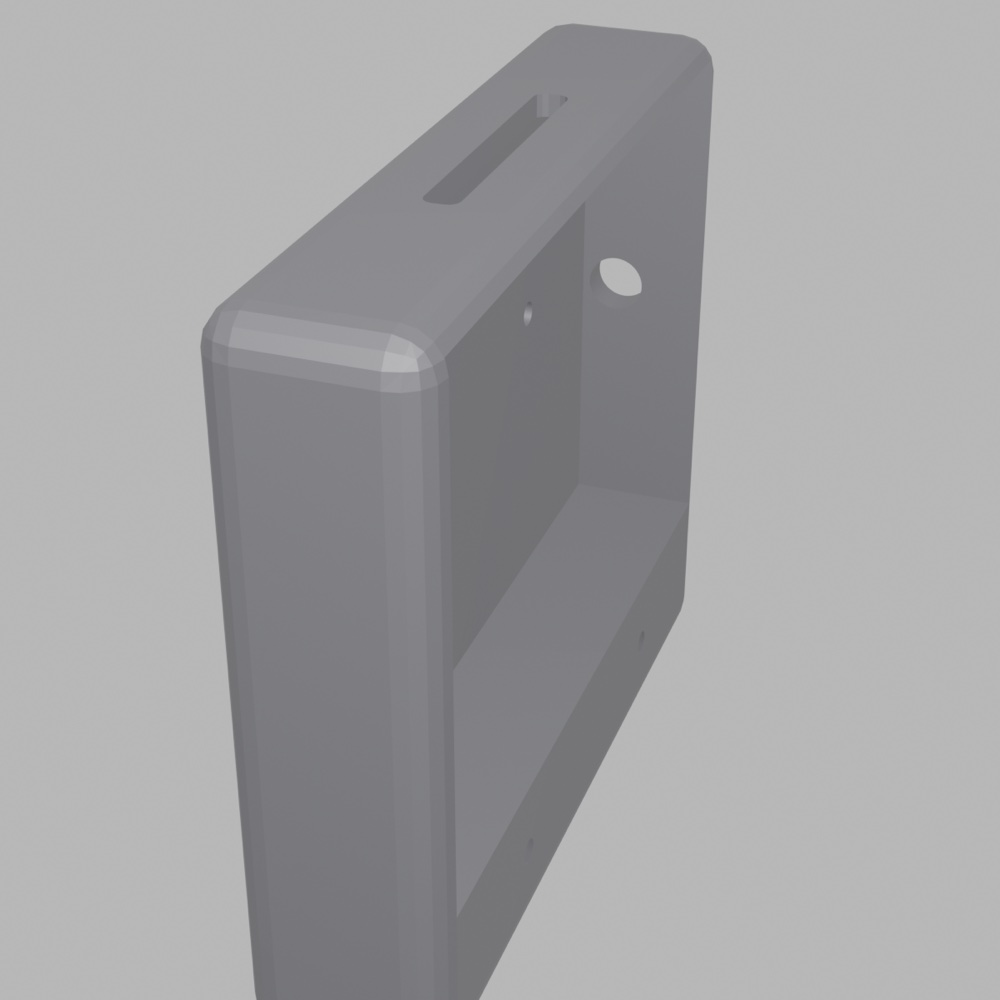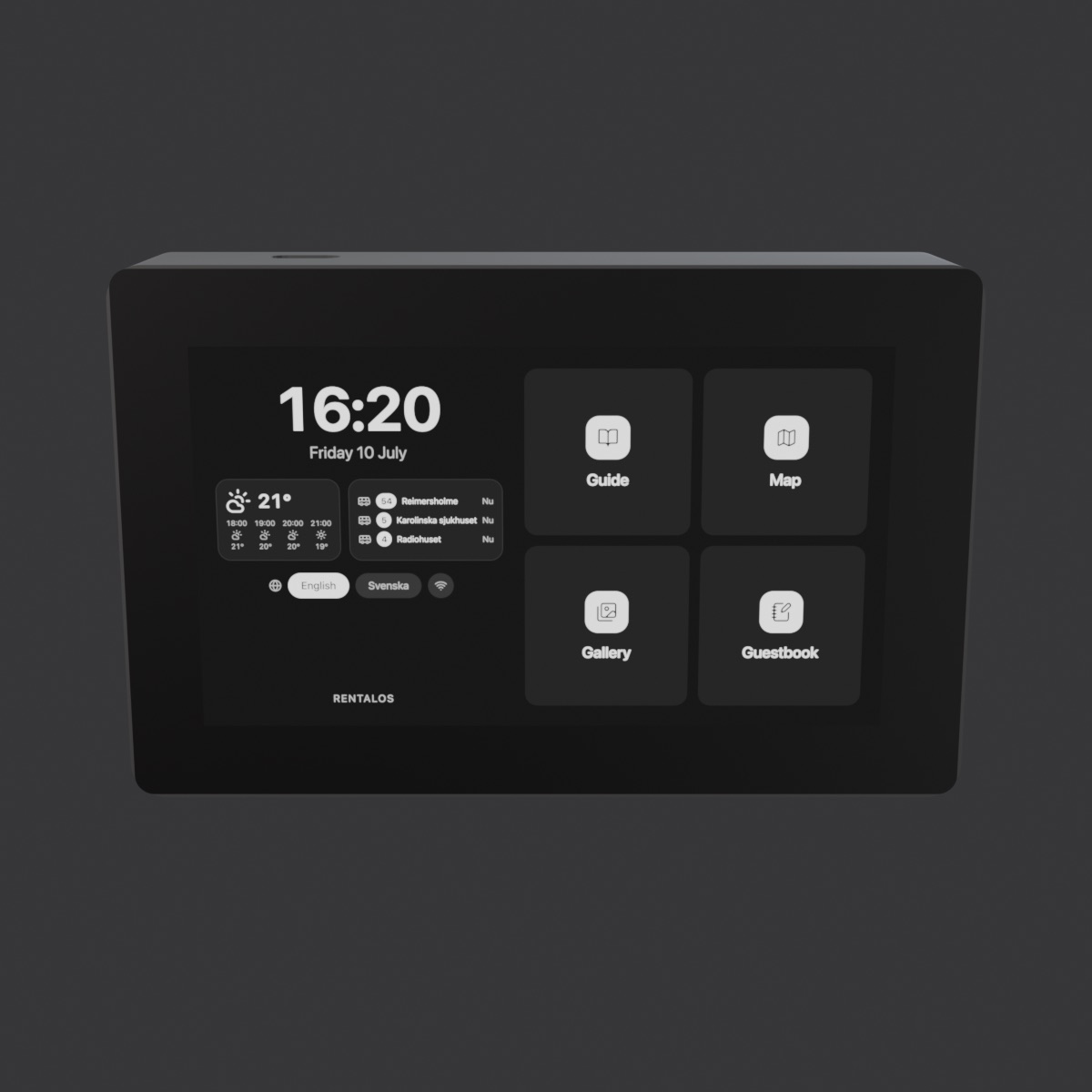
The RentalOS kiosk — a wall-mounted touch display in a 3D-printed enclosure, shown rotating to reveal every side

Open source · MIT · Raspberry Pi

Your rental, on the wall.

A wall-mounted touch kiosk for short-term rentals. Guide, map, gallery and AI concierge for guests, a booking flow for cleaners, and a self-hosted admin for you — no cloud, no monthly fees.

0kr/mo

Nothing to subscribe to, nothing to cancel. It runs on hardware you already own.

1screen

One thing on the wall covers guests, cleaners and you — instead of five apps and a binder.

0apps

Guests just touch it. No download, no account, no “what’s the WiFi password?”

MITyours

Rename it, restyle it, keep it. Your guests’ data never leaves your home.

No app needed

Guests simply touch the screen on the wall — no app, no download, no account.

Who it's for

One kiosk, three jobs.

See it in action

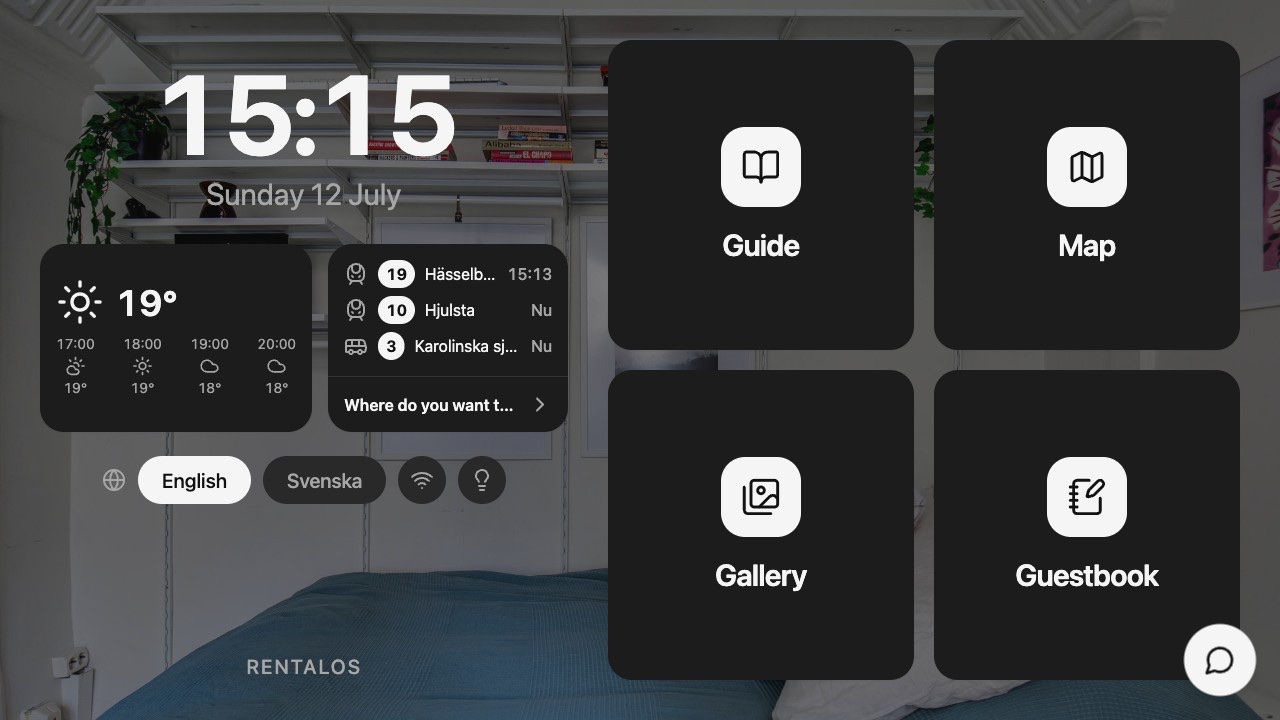
Everything guests need, on the screen.

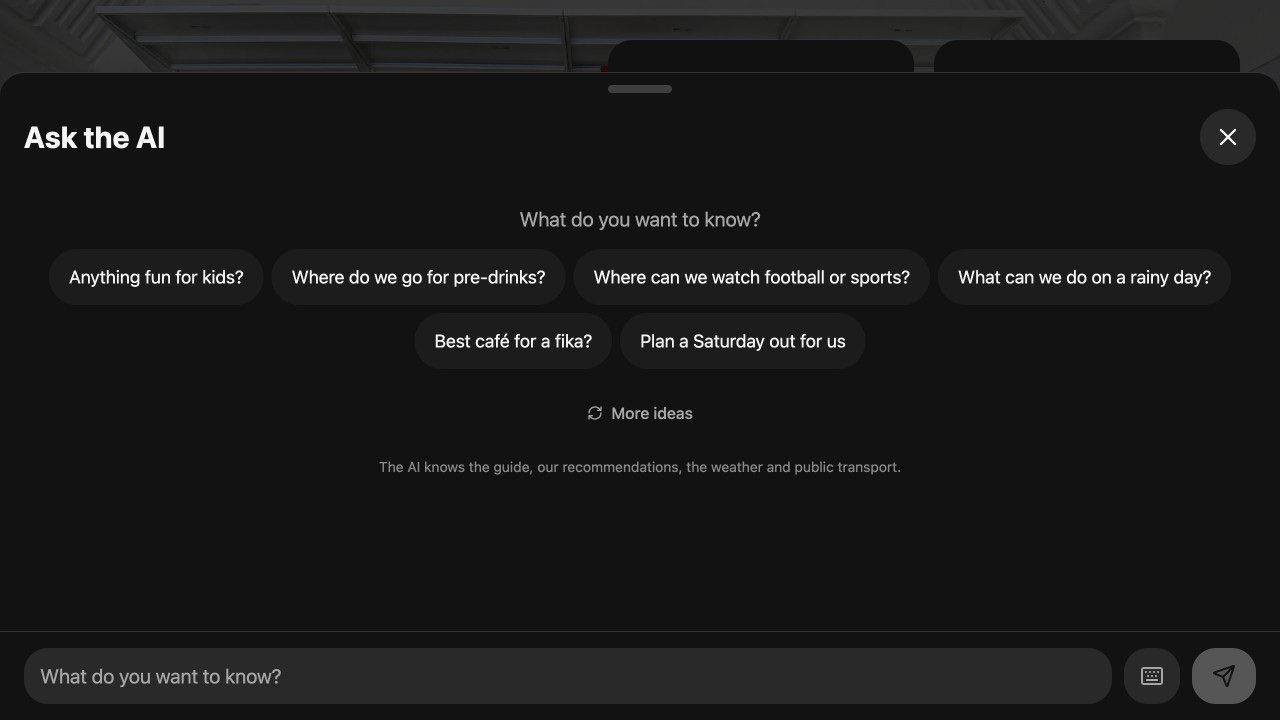
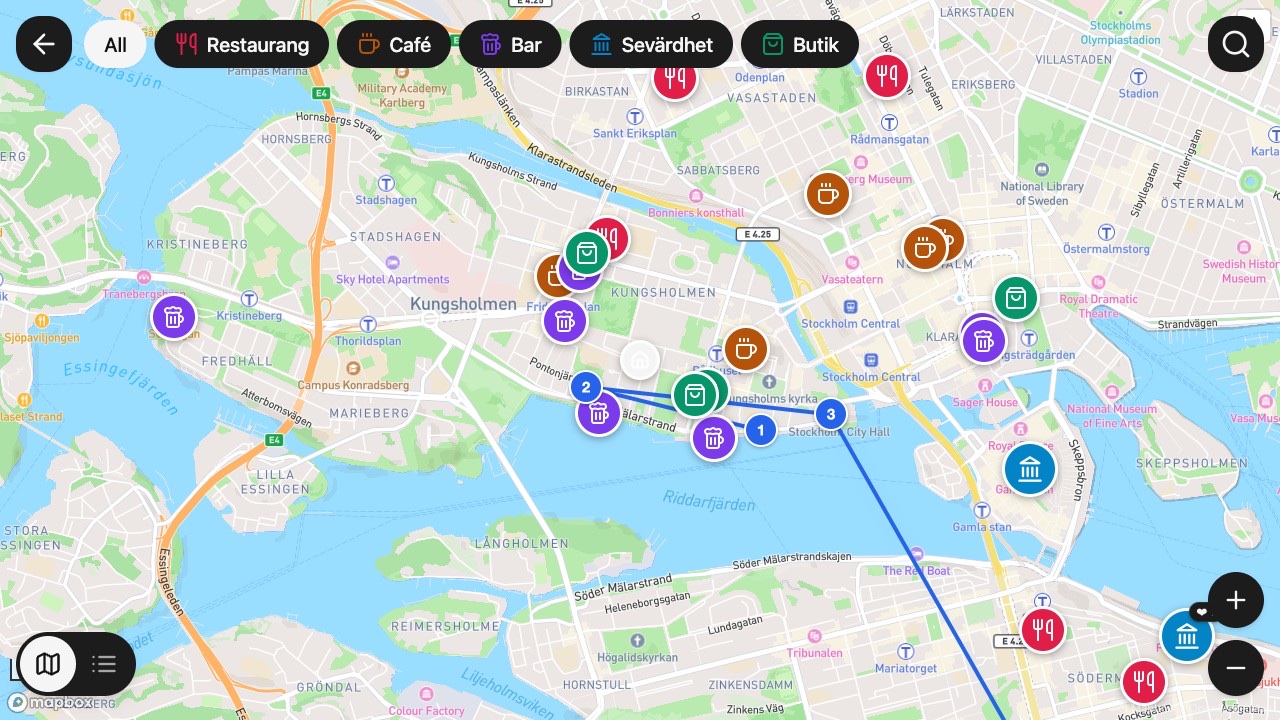
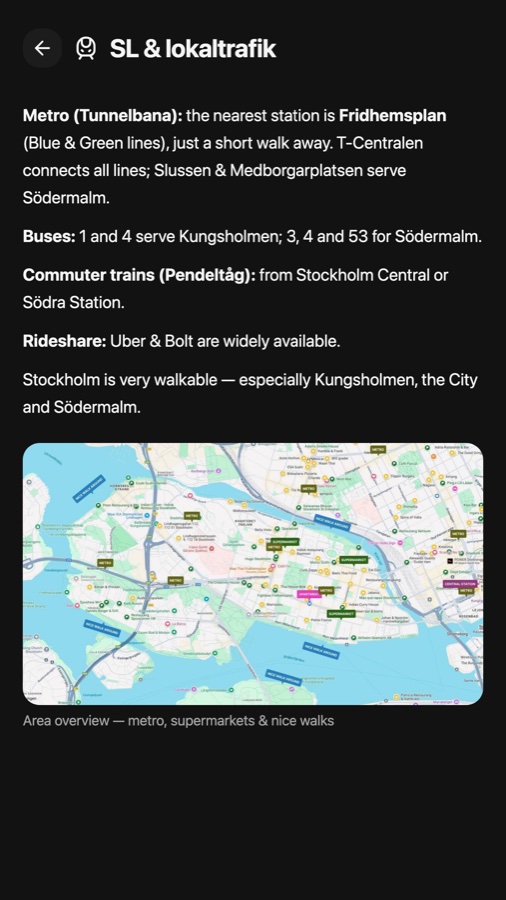
Real interface, running on the wall — ask the AI concierge, browse the host's map, catch the next bus. No app, no account.

The hardware

Wall, stand, or strap. Your colour.

3D-printed enclosure with a 50 mm mounting pattern: snap on a wall plate, a foldable stand, or hang it from a leather strap. More kits are on the drawing board — power, presence sensing, status light.

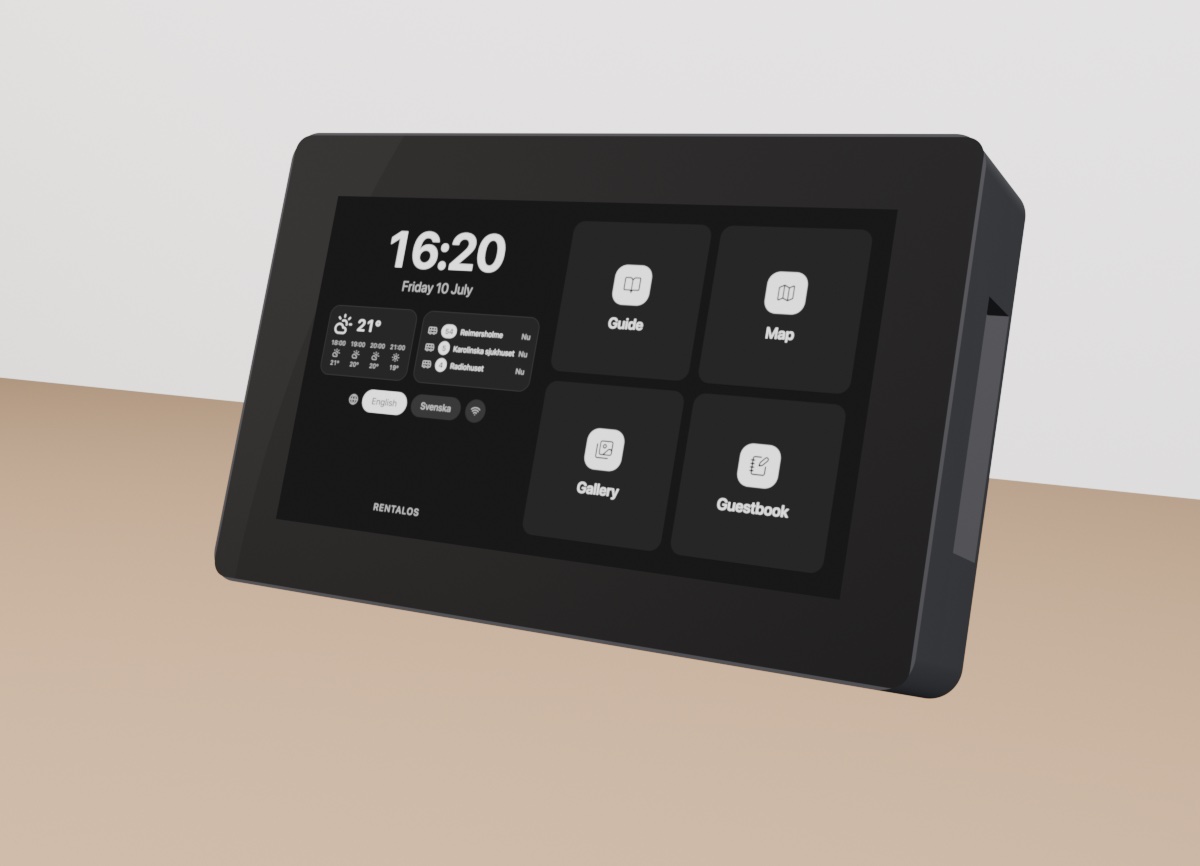
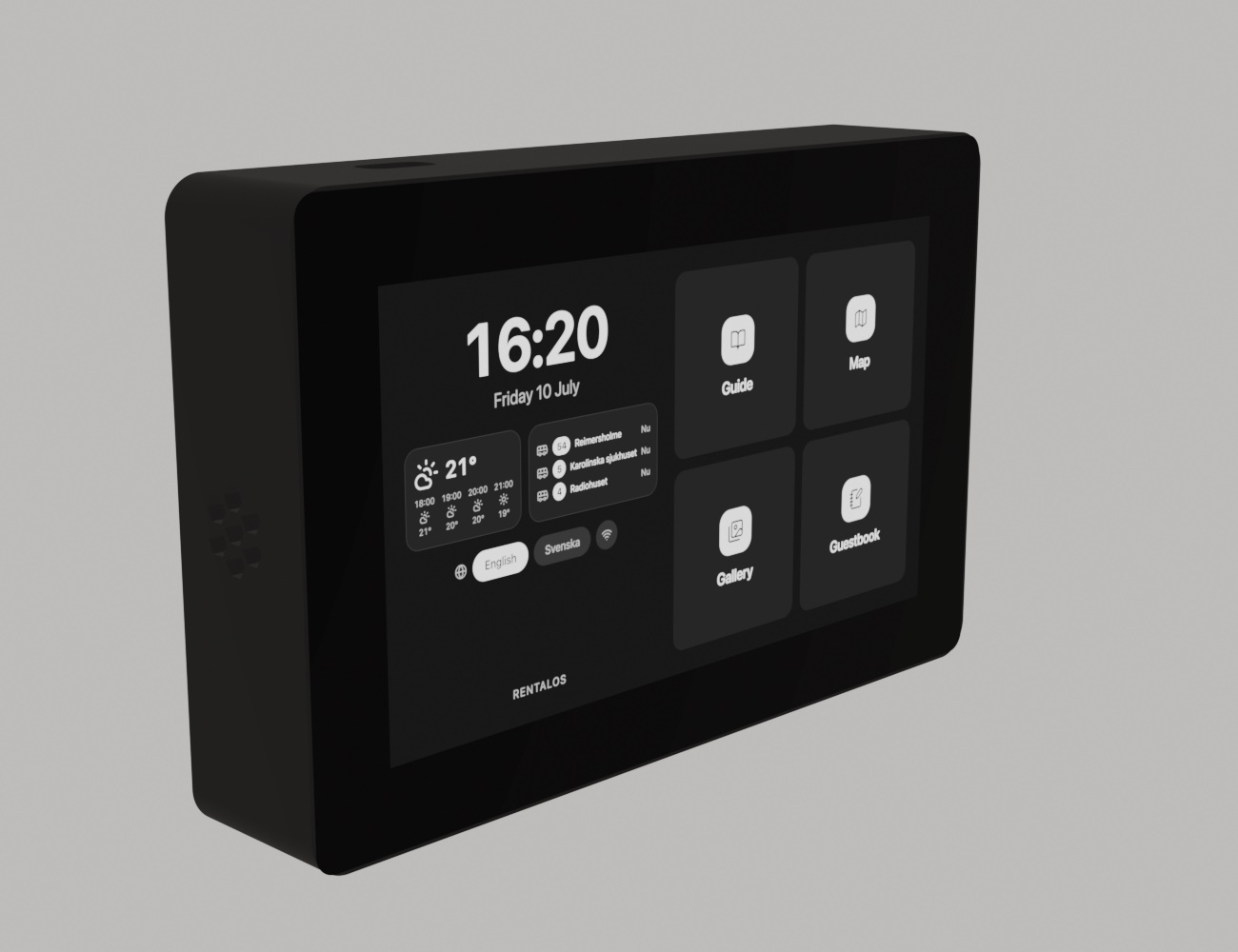
RentalOS kiosk in landscape — matte black enclosure with edge-to-edge black glass front
Wall — keyhole plate, one screw. Portrait or landscape.
RentalOS kiosk standing on a table in landscape with the foldable stand
Stand — foldable leg, portrait or landscape.
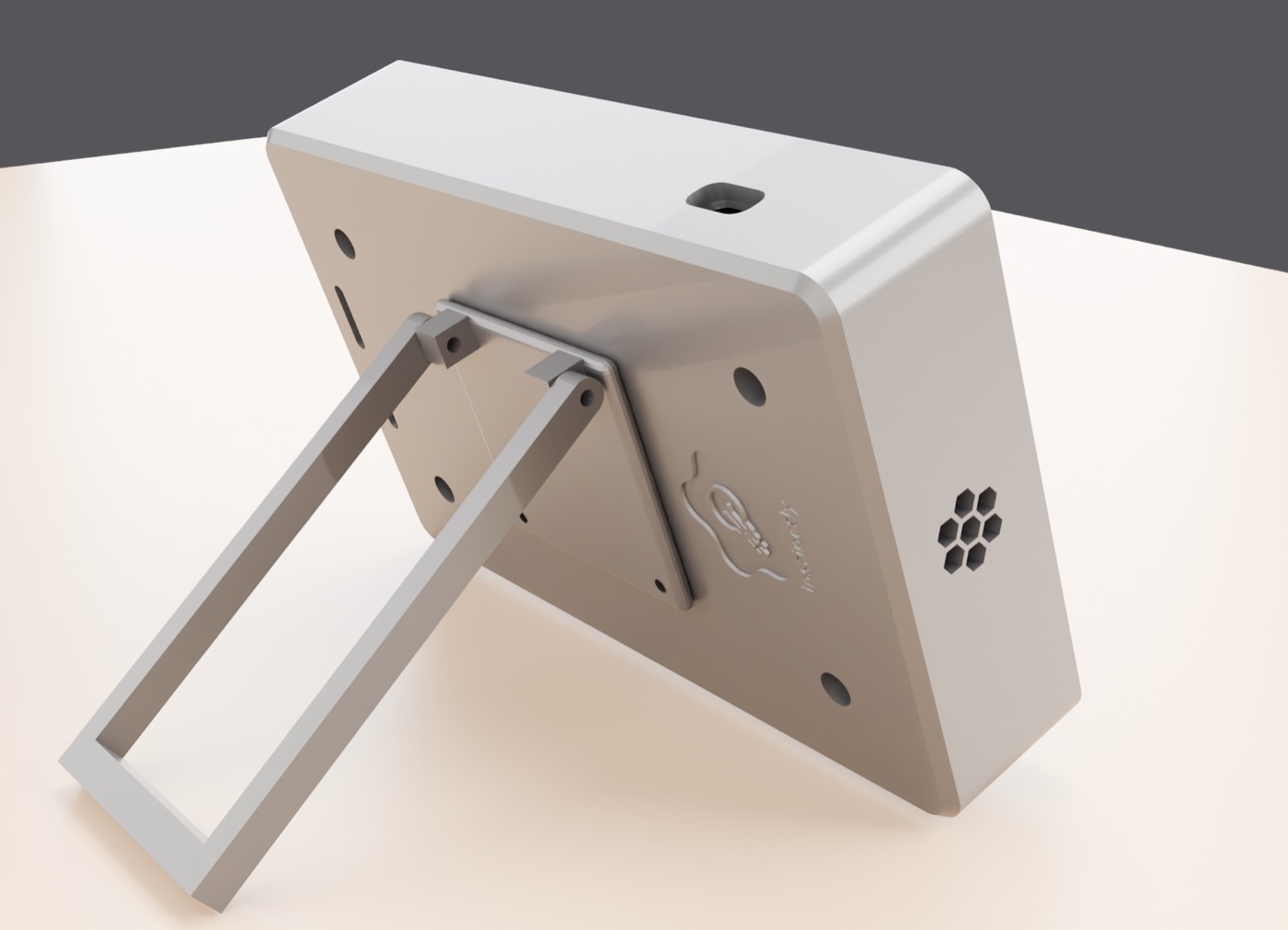
Back of the RentalOS enclosure with engraved logo and deployed stand leg
The back — engraved, vented, cable-friendly.
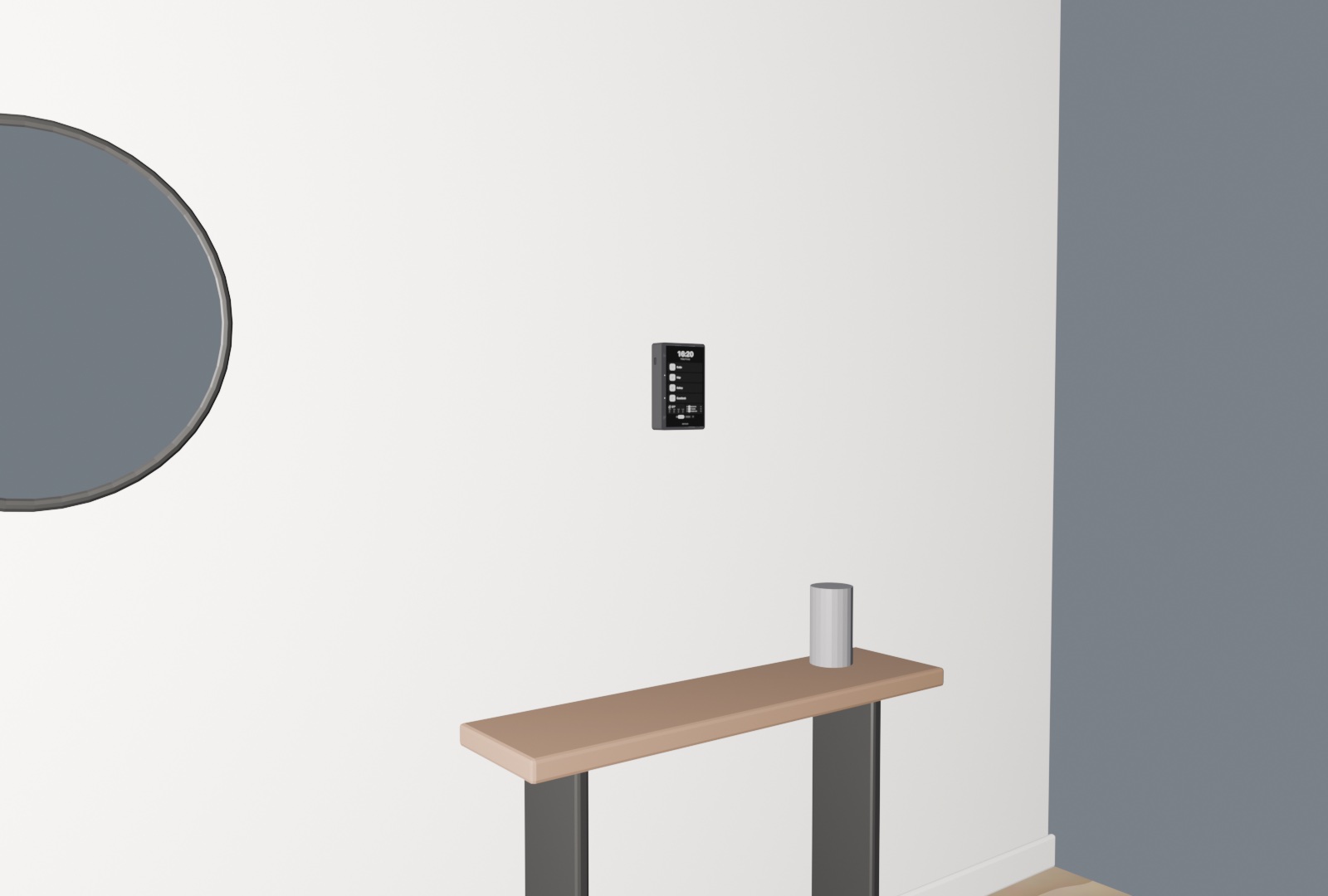
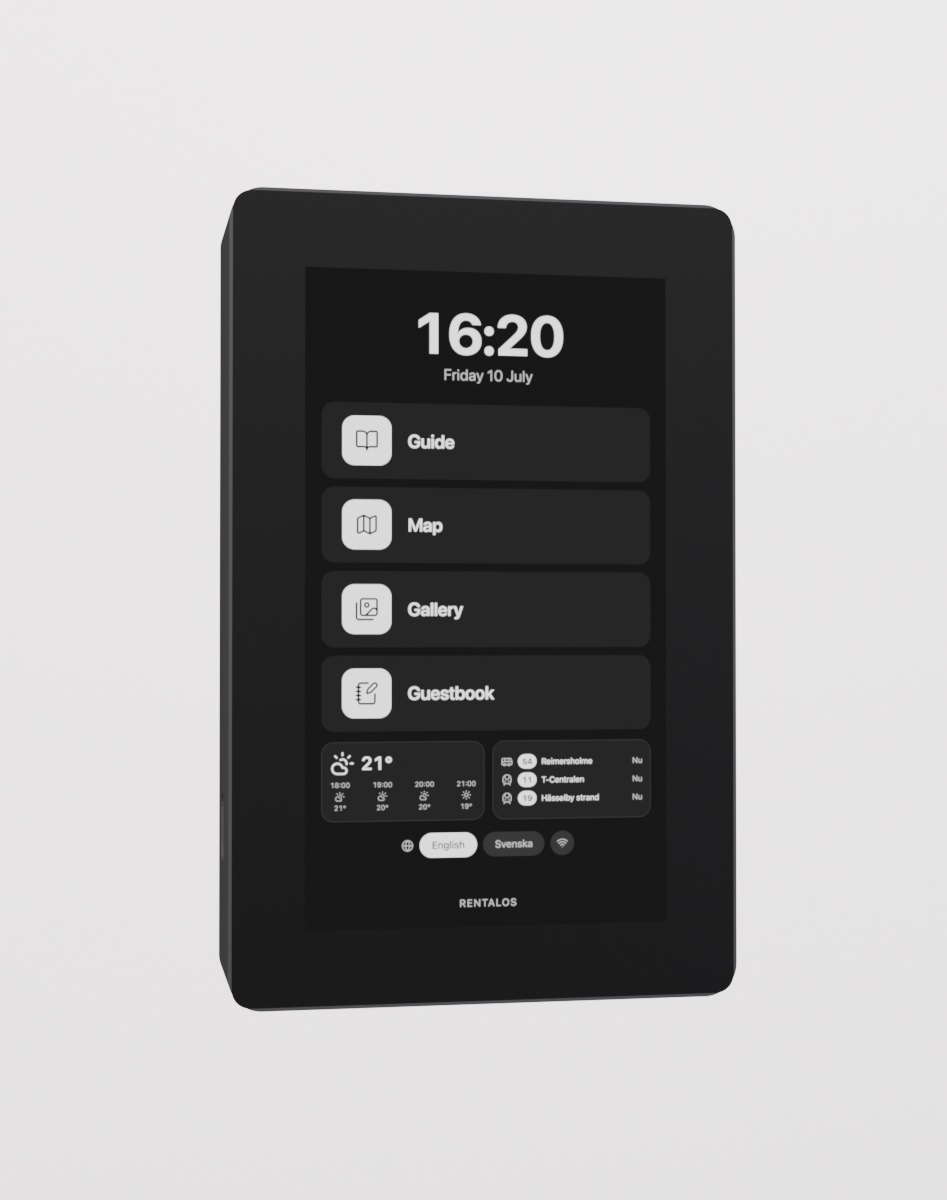
RentalOS kiosk wall-mounted in portrait
Wall — keyhole plate, one screw.
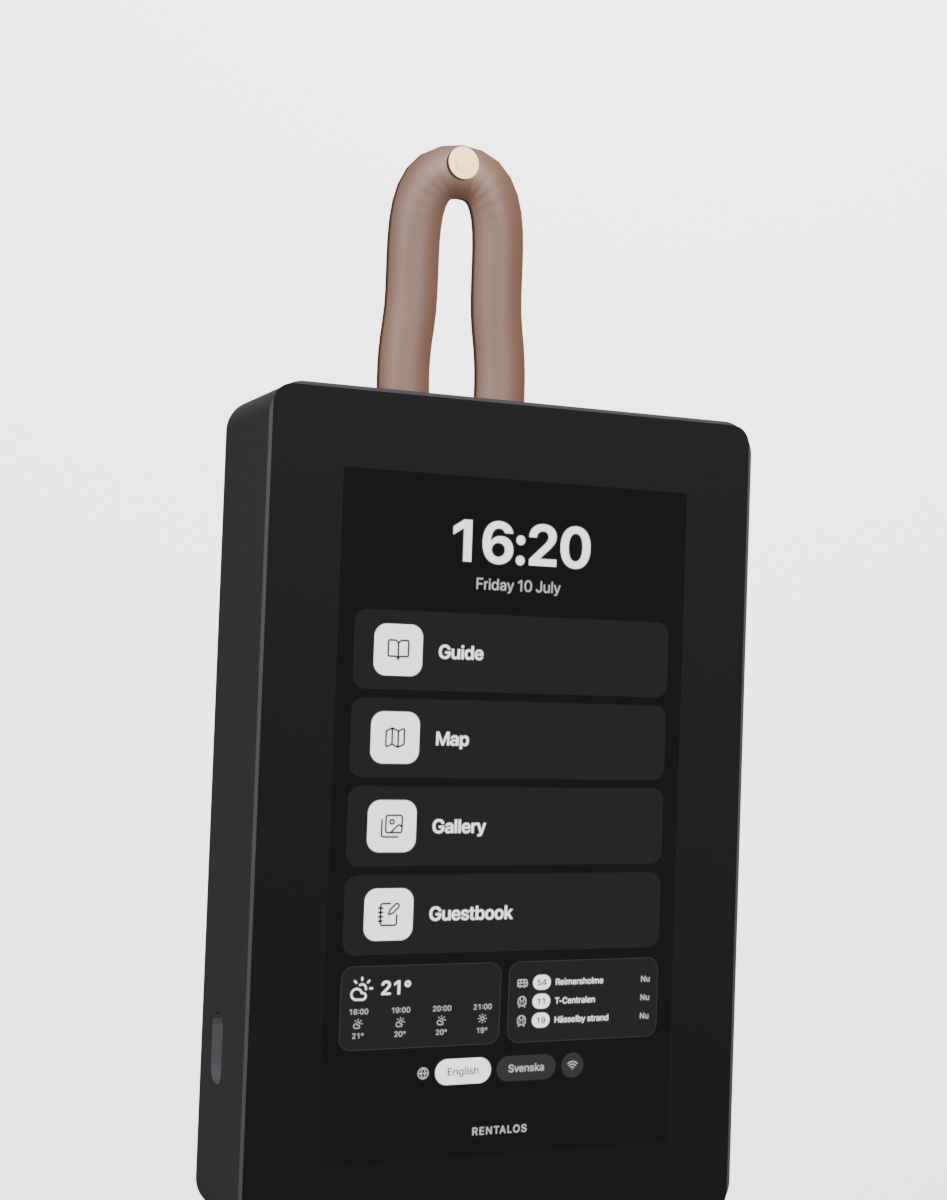
RentalOS kiosk hanging from a leather strap on a brass nail
Strap — thread a leather loop, hang it anywhere.

Finishes

Pick a colour.

RentalOS enclosure shown in the selected finish — black glass front, coloured body
Black

Enclosure sides and back in five finishes. Front is always black glass.

The kit

Every part, printable.

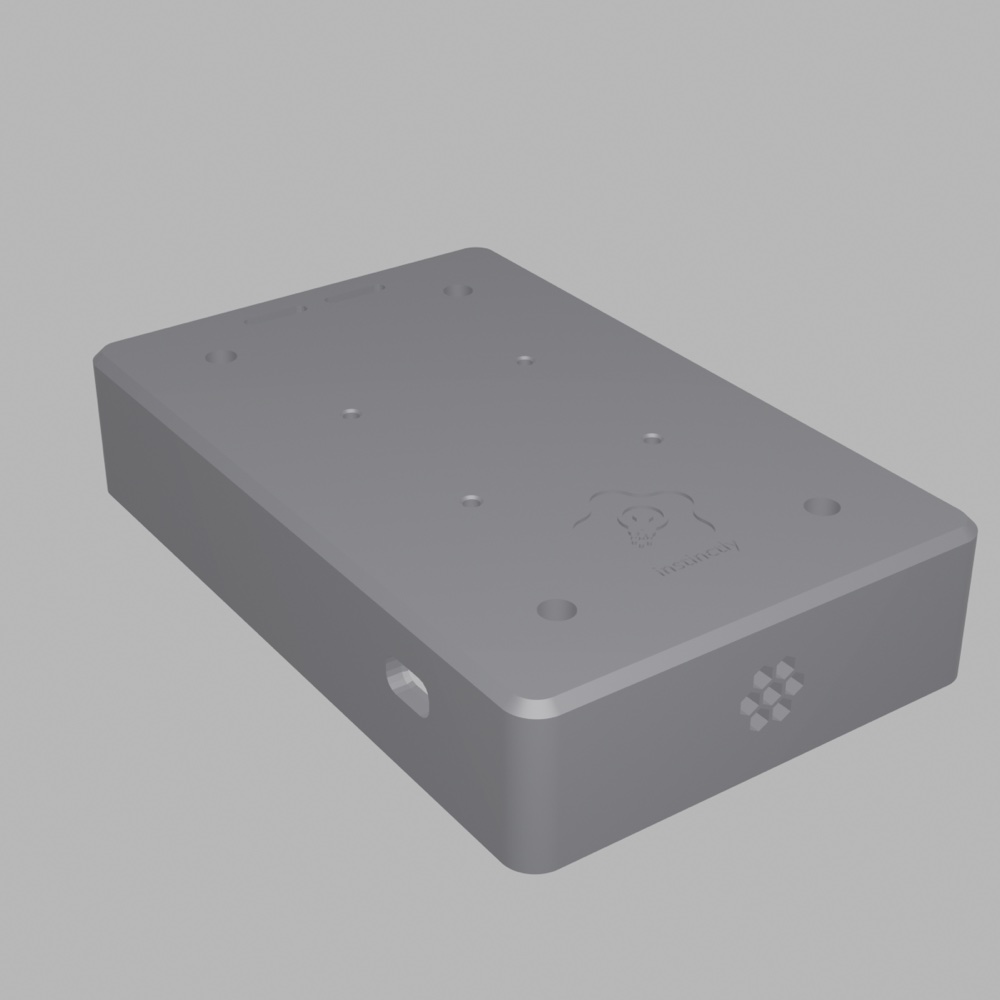
Case — Engraved
The 3D-printed RentalOS case, engraved logo on the back
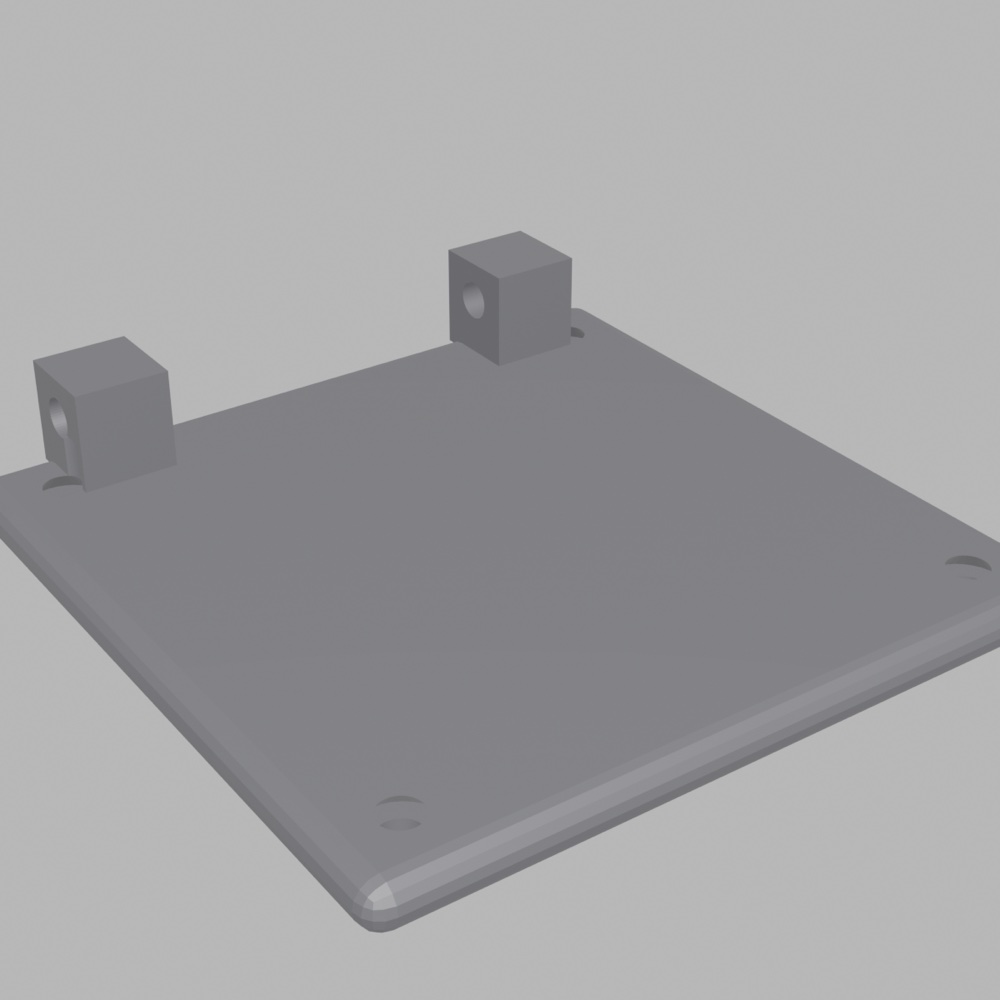
Wall plate — Keyhole
The wall plate with keyhole mounting
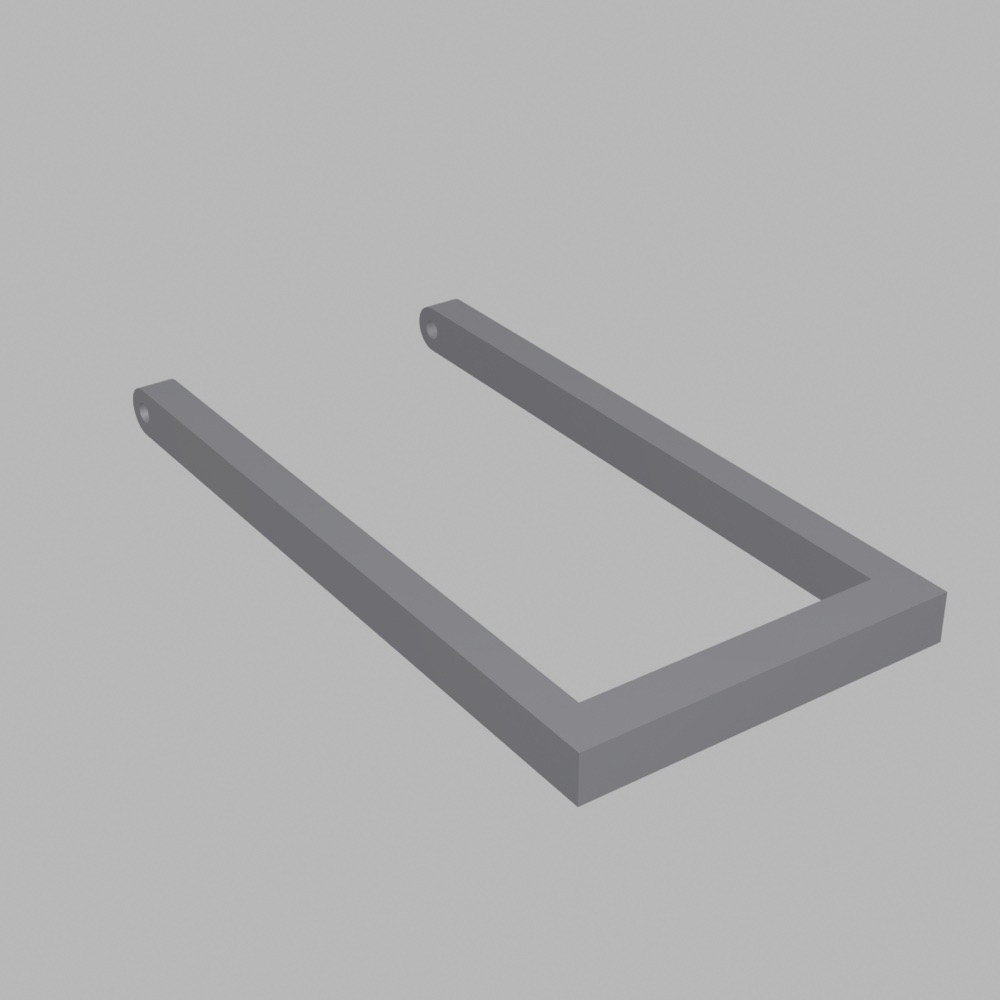
Stand leg — Foldable
The foldable stand leg
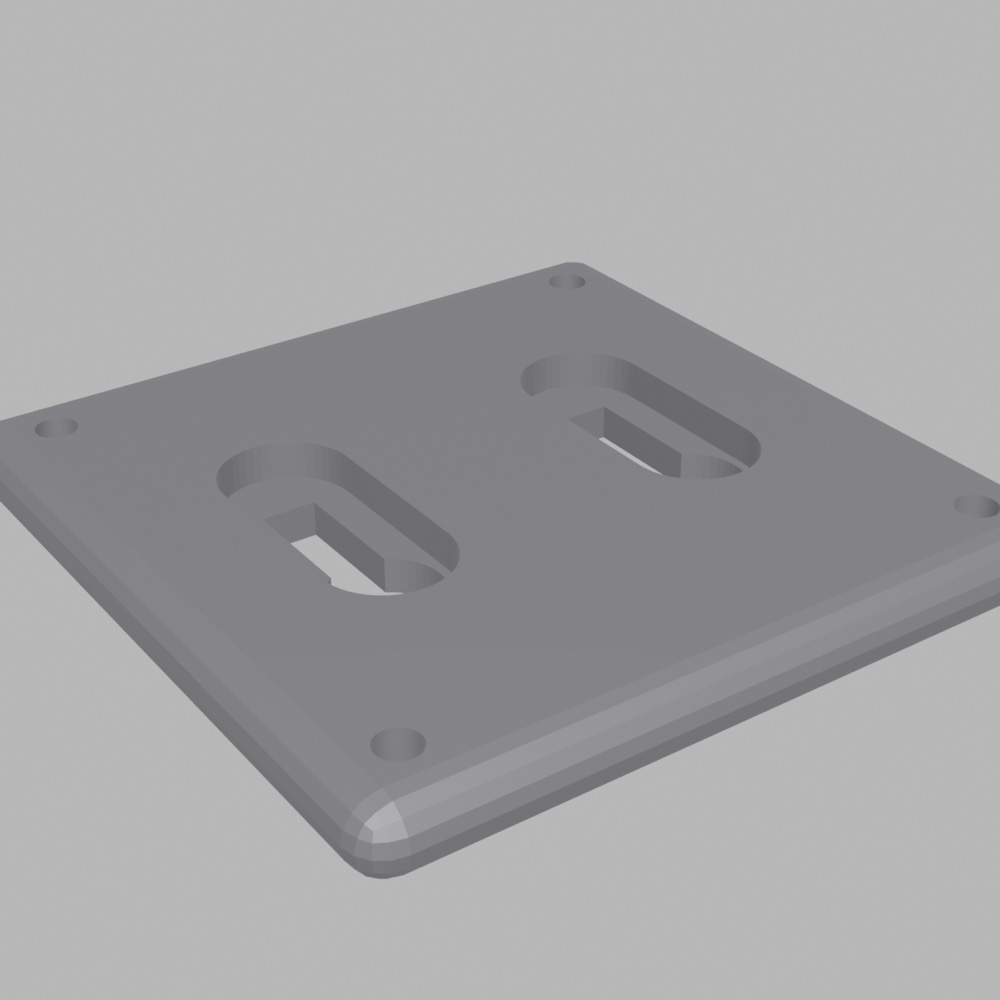
Keyhole plate
The keyhole plate for one-screw wall mounting
Power pack — LED
The power pack module with status LED
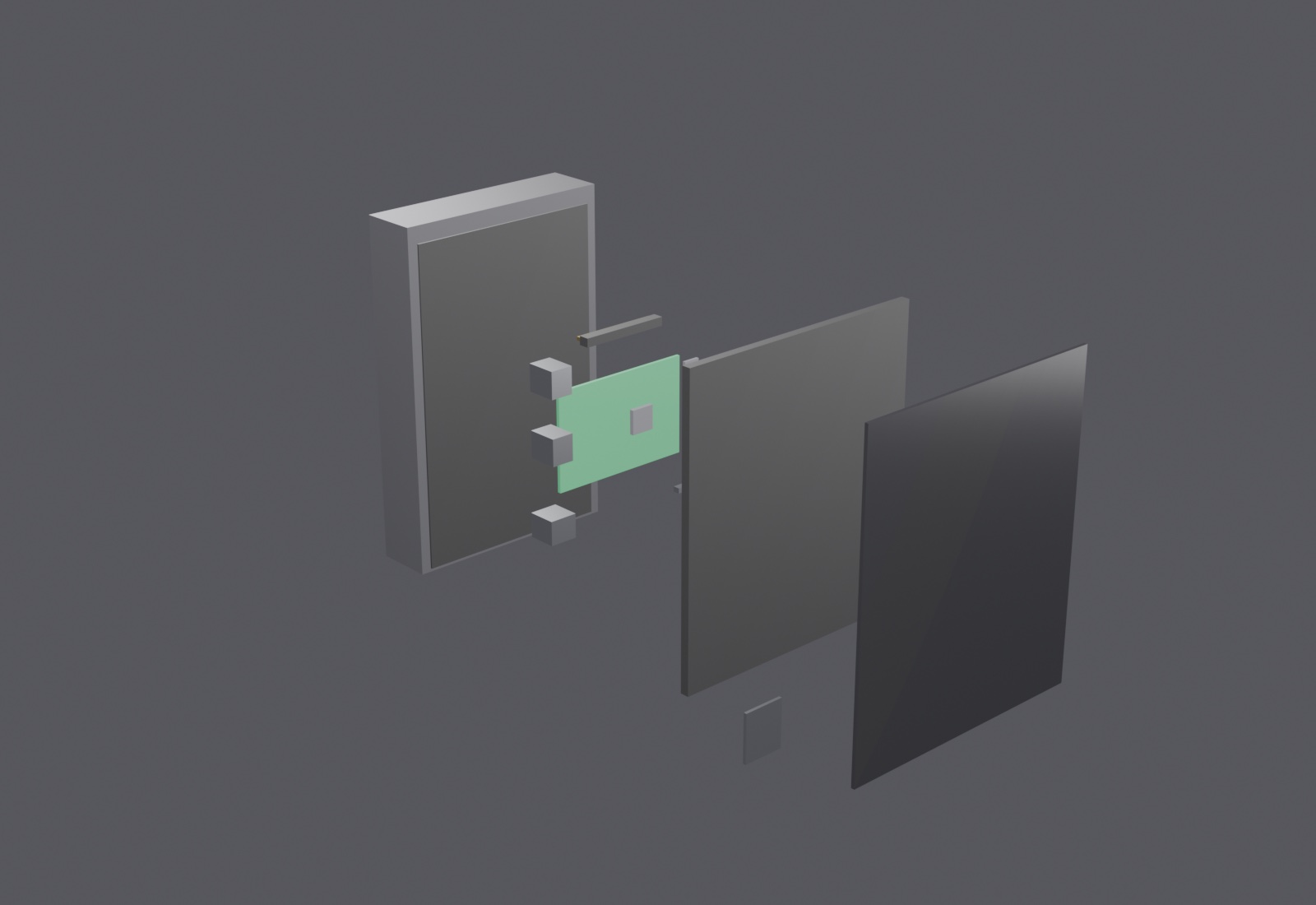
Exploded view — Raspberry Pi 5, the Touch Display 2 and the 3D-printed enclosure
Inside: a Raspberry Pi 5, the Touch Display 2, and the printed case — nothing else.

Runs on a Raspberry Pi

What you need to run one.

  • Raspberry Pi 5
  • Official Raspberry Pi Touch Display 2 (7")
  • 3D-printed enclosure (PLA/PETG, M2.5 heat-set inserts)
  • Local web app, offline-capable
  • Powered over USB-C (optional PoE or battery kit)

And then some

Also on board.

Free maps

OpenStreetMap works out of the box, no API key. Mapbox is optional.

Routes & activities

Walks and multi-stop tips on the map; guests ❤️ their favourites.

Weather & transit

SMHI forecast and SL departures, right on the kiosk.

AI concierge

Bring your own model: Ollama, OpenAI, Anthropic or any compatible URL.

Multilingual

English by default; add languages and edit translations in admin.

Themes

Colour presets and dark mode, changed at runtime. White-label by design.

Gallery slideshow

Room-filtered photos and video, fullscreen.

Email notifications

Through your own SMTP, any provider.

What's in the box

Raspberry Pi Touch display with wall mount Open-source software, MIT licensed

Self-hosted & open

Everything runs on one Raspberry Pi Your data never leaves the device No monthly fees MIT

Good to know

Frequently asked questions.

What is RentalOS?

RentalOS is a self-hosted guest kiosk for short-term rentals such as Airbnb. It runs on a wall-mounted Raspberry Pi touch display and gives guests a house guide, a map of local tips, a photo gallery, a guestbook and an AI concierge, gives cleaners a checklist workflow, and gives hosts a built-in admin panel — all on one device.

What hardware do I need to run RentalOS?

The target device is a Raspberry Pi 4 with a portrait touch display, such as the official Raspberry Pi Touch Display 2 (720×1280), but any Linux machine with Node.js 20+ can run it.

Does RentalOS need an internet connection or a cloud service?

No cloud service is required. A single process on the device serves everything, and all data — an SQLite database plus an uploads folder — stays on the device. Internet is only used for optional extras such as Airbnb iCal sync, weather and transit. Maps use free OpenStreetMap with no API key; Mapbox is optional.

Is RentalOS free?

Yes. RentalOS is open source under the MIT license, with no subscription or monthly fees — you run it on your own hardware.

How do guests use the kiosk?

Guests simply touch the screen on the wall — no app, no download, no account. They can read the house guide, browse the map and photo gallery, check weather and transit, join the WiFi with one QR scan, and leave a note or drawing in the guestbook, in their own language.

How does the cleaning workflow work?

Cleaners open a hidden cleaning mode on the kiosk (long-press plus PIN) and follow a step-by-step wizard: condition rating, inventory checklist, shopping list and notes. A QR code lets them upload proof photos straight from their own phone, and every step autosaves. They can also pick cleaning slots via a personal link on an Airbnb-style calendar.

Can I use my own AI model?

Yes. The AI concierge is bring-your-own-model: point it at a local Ollama instance, OpenAI, Anthropic, or any compatible API URL, and try it out with a test mode in the admin panel.

Can I white-label or theme RentalOS?

Yes. RentalOS is white-label by design: theming lives in a single design-tokens file, with colour presets and dark mode switchable at runtime. The guest UI defaults to English, and additional languages can be enabled and edited in admin.

Get on board

Join the waitlist.

Be first to know when RentalOS is ready. No spam — one email when it ships.